StillMe LifeStory
A personal digital memory book built for our own mothers — helping families, grandchildren, and care workers find common ground and stay connected as dementia progresses.
Created by Dr Jane Mortley (who trained and worked as a speech and language therapist and has now retired from treating patients) and her husband Peter, StillMe brings treasured photos, simple sentences, and familiar family voices together in one calm place.


Why We Made StillMe LifeStory
By Dr Jane Mortley
Finding Common Ground & Staying Close
Peter’s mother started to show signs of dementia about ten years ago, and she went into a care home during the early stages of COVID. Visits were impossible for a while, and when they were possible, I know Peter struggled with how to find common ground with his mother. Visits were difficult, and I know that he is not alone with feeling that about visiting someone with dementia.
My mother started to show signs of memory loss a few years later. My biggest fear was losing connection. At mealtimes and family get-togethers my mother became quieter and quieter.
A Serendipitous Find & the SPECAL Approach
Then we had one of those ‘serendipitous’ moments when visiting a National Trust second-hand bookshop, and coming across a copy of ‘Contented Dementia’ and the SPECAL approach. There are many pieces of wisdom in the approach, and I recommend the book to you wholeheartedly. One of the key areas is the management of the emotional state of the Person With Dementia (PWD), which can be characterised as ‘Red’, ‘Amber’ or ‘Green’, with techniques to de-escalate from Red → Amber → Green. A core concept of using the “Primary Theme” uses their favourite, deeply ingrained past interest or role as a conversational bridge. Guiding conversation toward a topic where they feel like an expert is one of the fastest ways back into the safety of the Green zone.
From Role-Play to a Practical Tool for Everyone
We did struggle however with the practicality of some of the ‘Primary Themes’ presented in the book with the level of expectation of role-play, and wondered whether we could develop something that would not only work for my mother, but would be able to be used by a range of people, from care-workers to shy grandchildren, and in a range of environments.
And so the idea of developing the ‘StillMe LifeStory’ app was born. It has been an invaluable tool for us, and indeed has satisfied the objective of being able to move my mother’s emotional state to Green, and allow the connection to continue for myself, my family and care workers.
Sitting Together on a Visit, or Quiet Moments Alone
Even when recent facts are hard to hold on to, older memories and feelings remain strong. We made two simple ways to look through a LifeStory book, depending on the moment:
Manual Mode
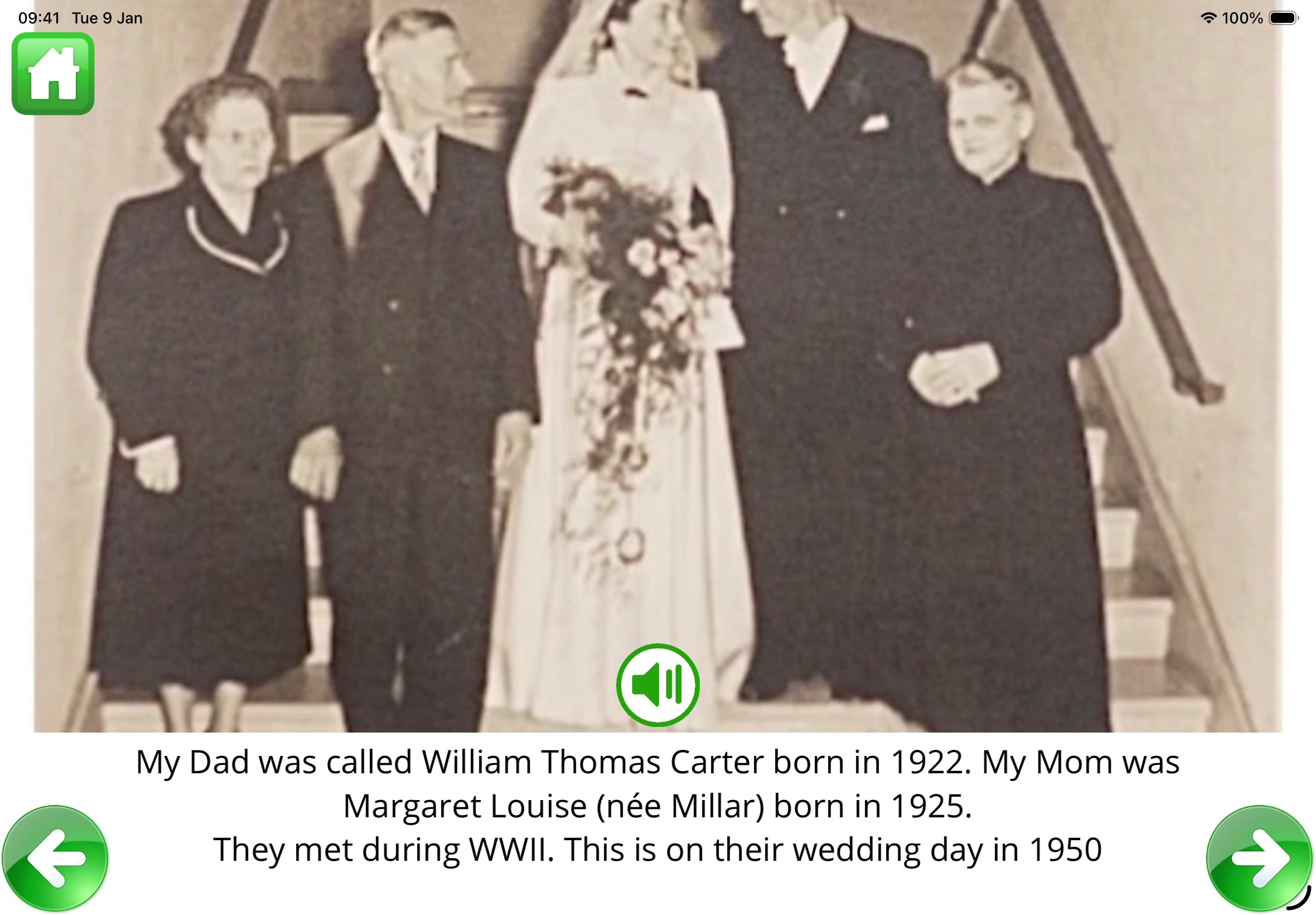
When you are sitting together, you can turn the pages at your own pace with the big green arrows and tap the speaker button to hear a familiar voice read the memory aloud. Whether it is you, a care worker, or a shy grandchild visiting, every page gives you something warm and natural to talk about.
Auto-Play Mode
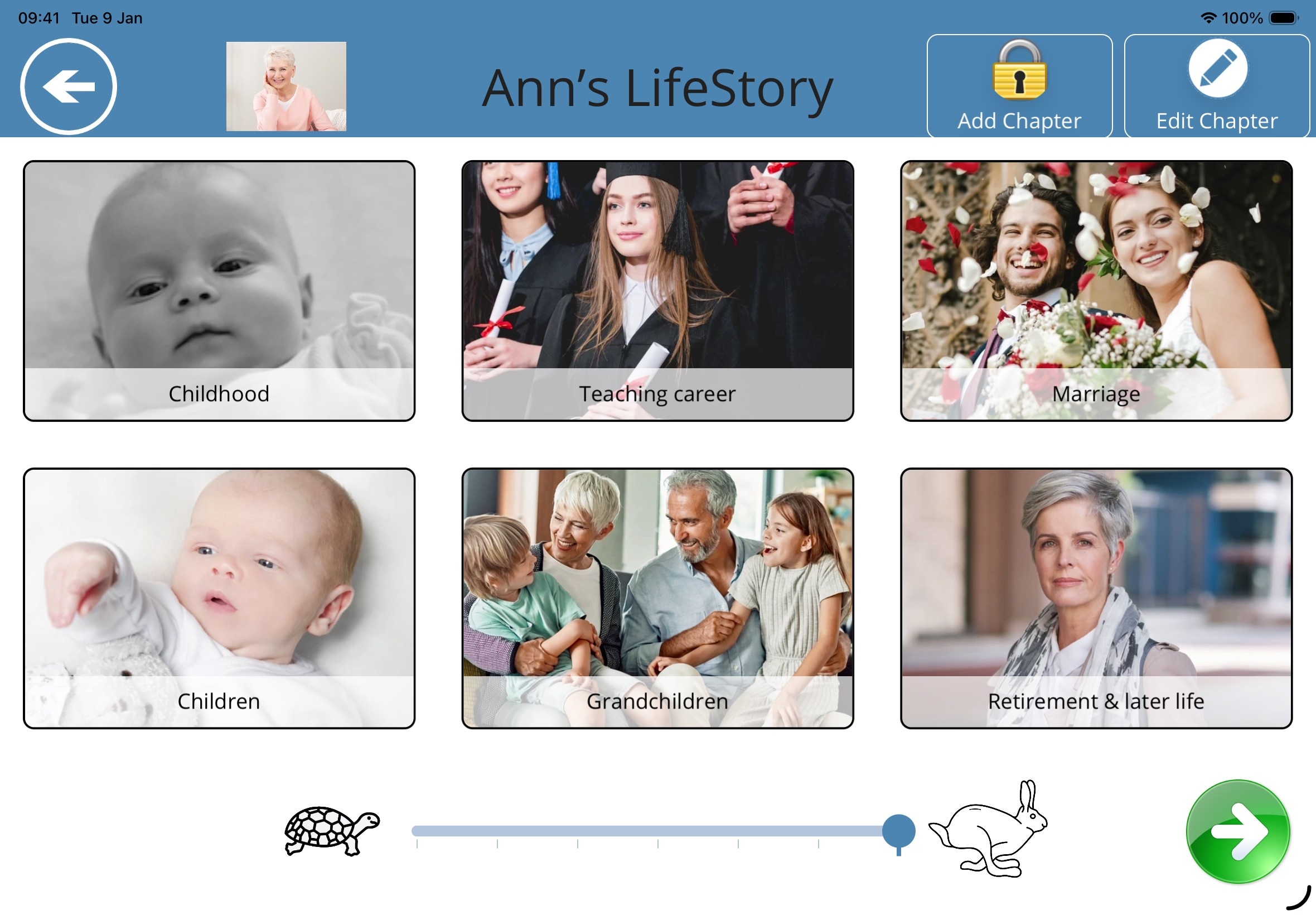
Sometimes you just want a calm, soothing atmosphere — or you need a few quiet minutes to make a cup of tea. Pick any chapter, set the tortoise-to-hare speed slider, and let the book play gently on its own with optional background music.
A Conversational Bridge Back to the “Green” Zone
Instead of asking direct questions about today or expecting anyone to role-play, opening a familiar life chapter takes you straight to the times and places where your mum or dad feels confident and at ease.
Starting Easy Conversations
Walking into a care home or sitting down for a visit doesn’t have to feel awkward. Opening a wedding chapter or an old family holiday brings immediate recognition, smiles, and common ground.
Stories Where They Are the Expert
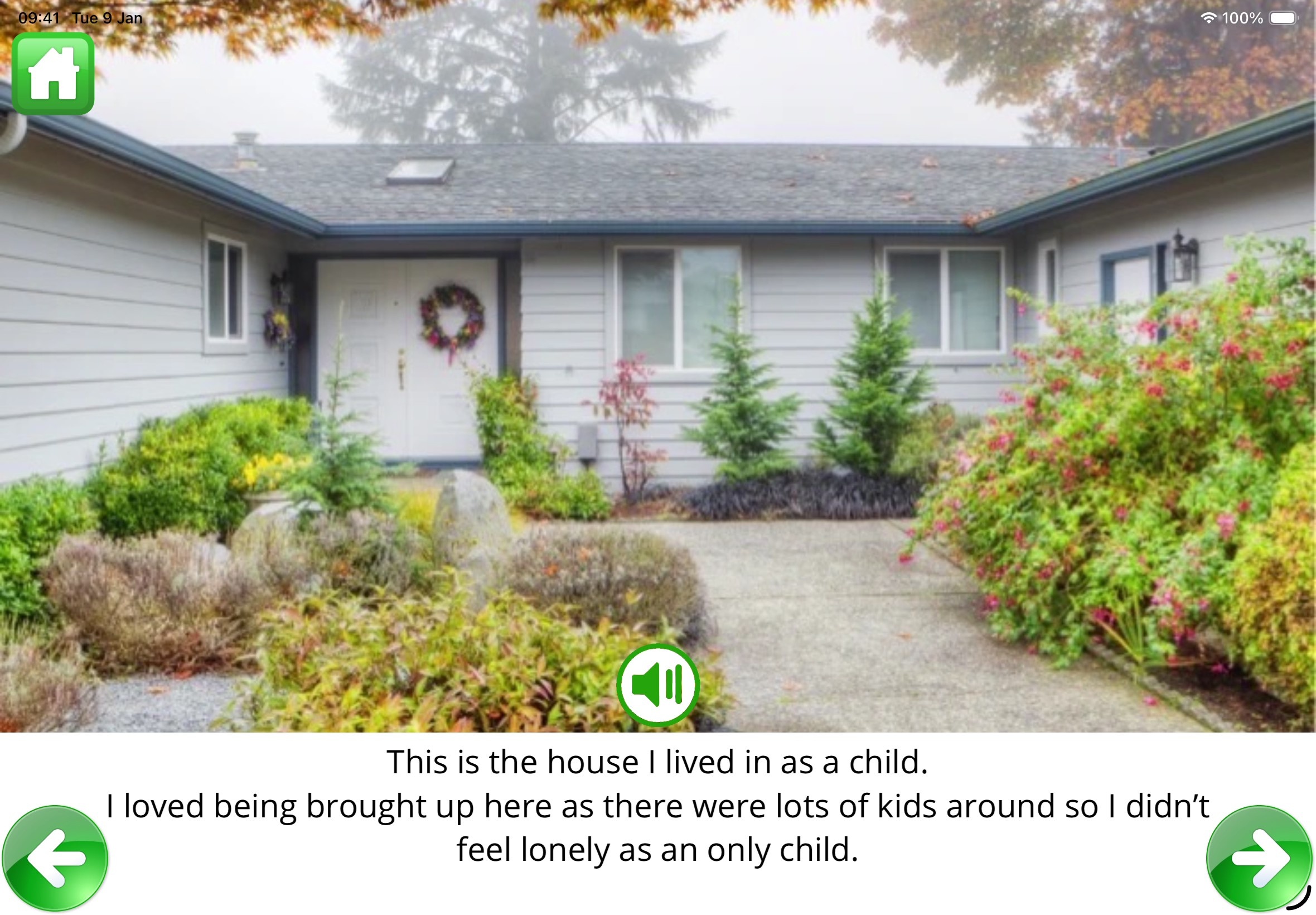
A single clear photo and an affectionate sentence underneath (“This is the house we grew up in”) invite your loved one to share the older memories they still know best — without ever putting them on the spot.
Hearing Voices They Love
Even when reading becomes tiring, tapping the green speaker button lets your relative hear your voice — or a grandchild’s voice — talking warmly about the picture on the screen.
No Questions, No Tests, No Adverts
There is nothing to get wrong, no pop-ups, and no clutter. We locked away the editing buttons behind a simple padlock icon so your mum or dad can tap and explore without ever accidentally changing a page.
Try Two Complete Stories Straight Away
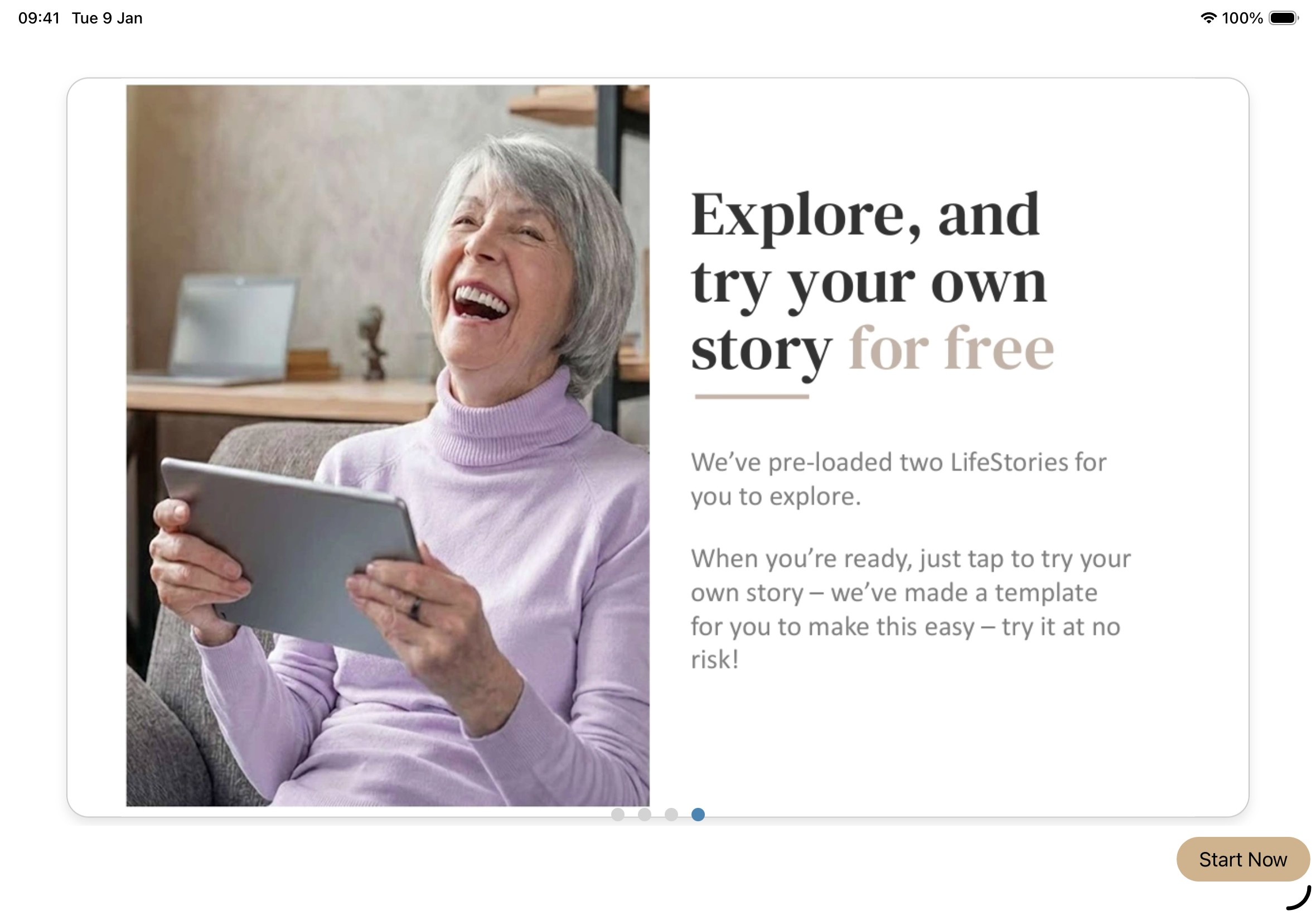
We know how daunting it feels to download an app and face a blank screen before you even know if your mum or dad will take to it.
That is why we included two complete, fully voiced books right inside the app — Ann’s LifeStory and Henry’s LifeStory. You can sit down together and try turning pages and listening straight away, before you gather a single photo.
Gentle Prompts So You Never Face a Blank Page
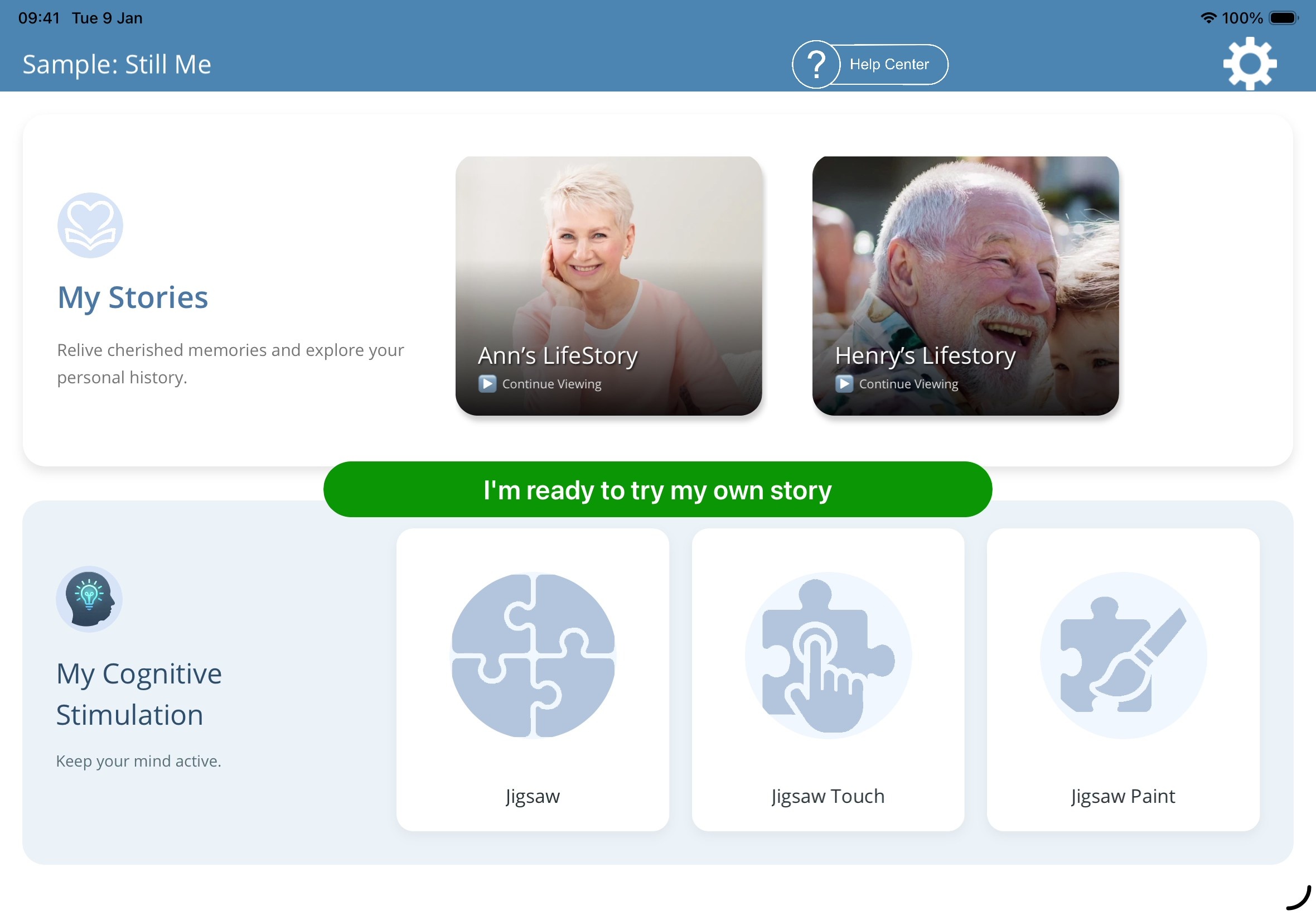
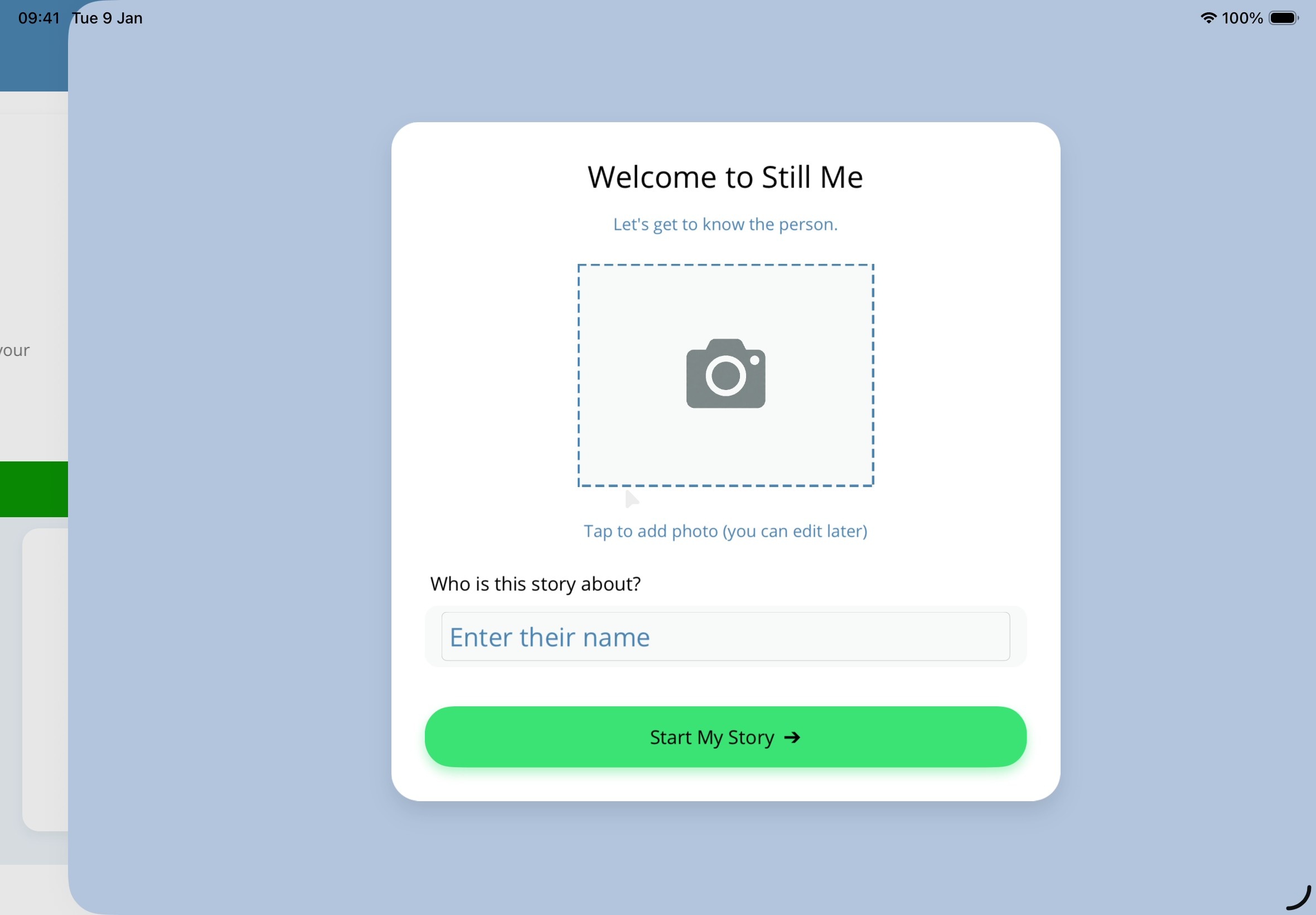
When you are ready to try making a book for your own relative, tap I’m ready to try my own story, add their name and photo, and StillMe sets up six life chapters for you: My Childhood, Work and contribution, Love and Relationships, Family and Friends, Holidays and Leisure, and My favourites.
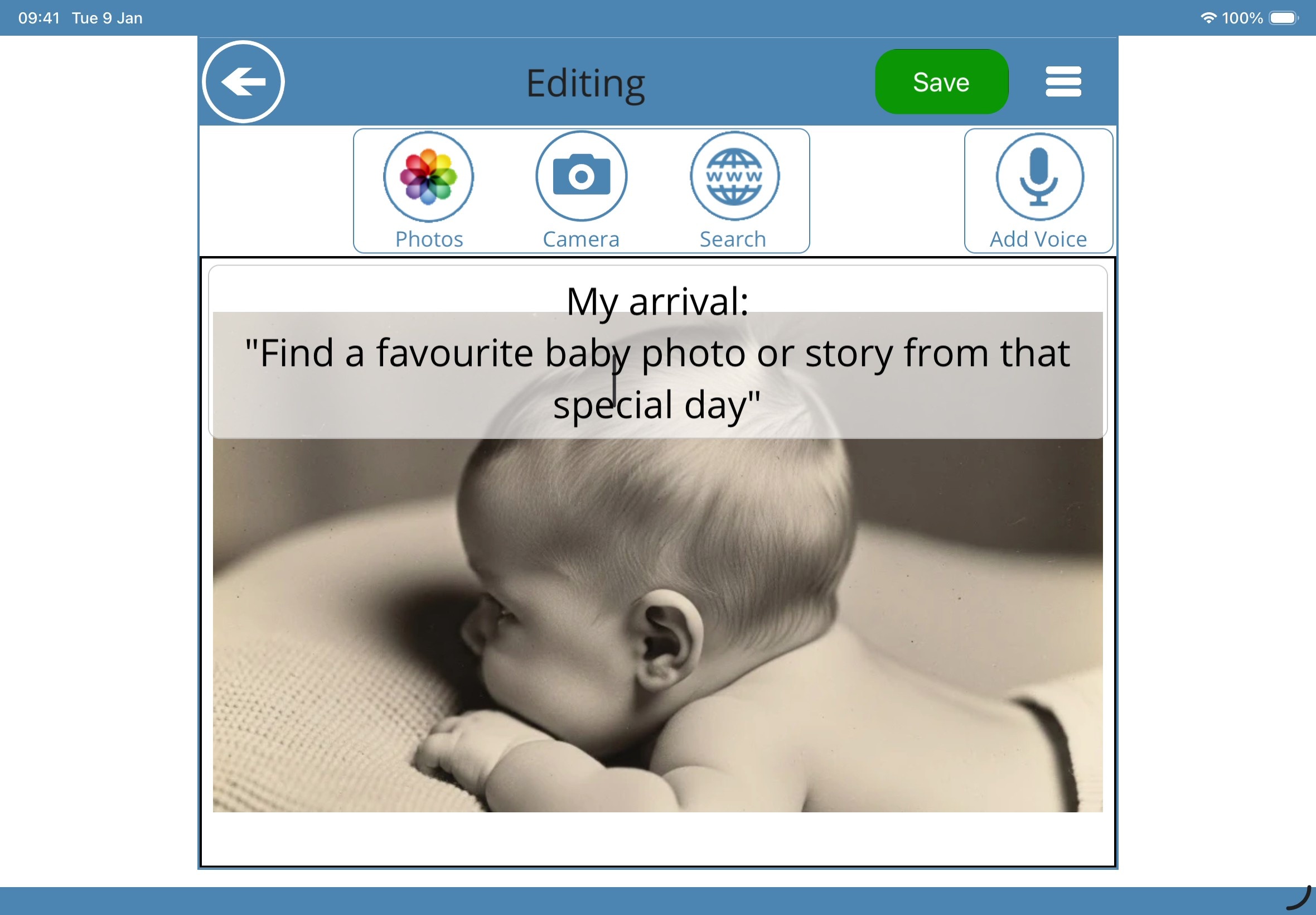
We added gentle prompts on every starter page — like “Find a favourite baby photo or story from that special day” — to help you think of what to include. Keep the pages that suit your family, remove the ones that don’t, and build the book a few pages at a time.
How StillMe Helps Our Family & Care Workers
- Helps everyone join in: Gives visiting relatives, care-home staff, and shy grandchildren an easy way to start a warm conversation.
- Moves the mood back to calm (“Green”): Guides attention gently toward happy, deeply familiar life chapters where your loved one feels safe and confident.
- Takes away the pressure of questions: Uses pictures and short statements instead of “Do you remember?” questions that can cause worry.
- Keeps their story at the centre: Helps care workers who didn’t know your mum or dad in earlier decades see the whole person — their work, passions, and family life.
- A comforting routine at any time of day: Works just as well for a lively family get-together as it does on Auto-Play during a quiet afternoon.
Gather Photos, Voices & Old Places in Minutes
We made the page editor as simple as possible so you can add a memory whenever a story comes up — even if you don’t have every old family album to hand:
- Pick pictures from your iPad Photos library or snap a photo of a printed picture with the Camera
- Use the built-in Web Search when you don’t have a photo of an old school, first car, hometown street, or favourite holiday spot
- Tap Add Voice to record yourself, siblings, or grandchildren reading the memory aloud right on the page
Tidy Chapters, Back Up & Export a Keepsake Slide-Show
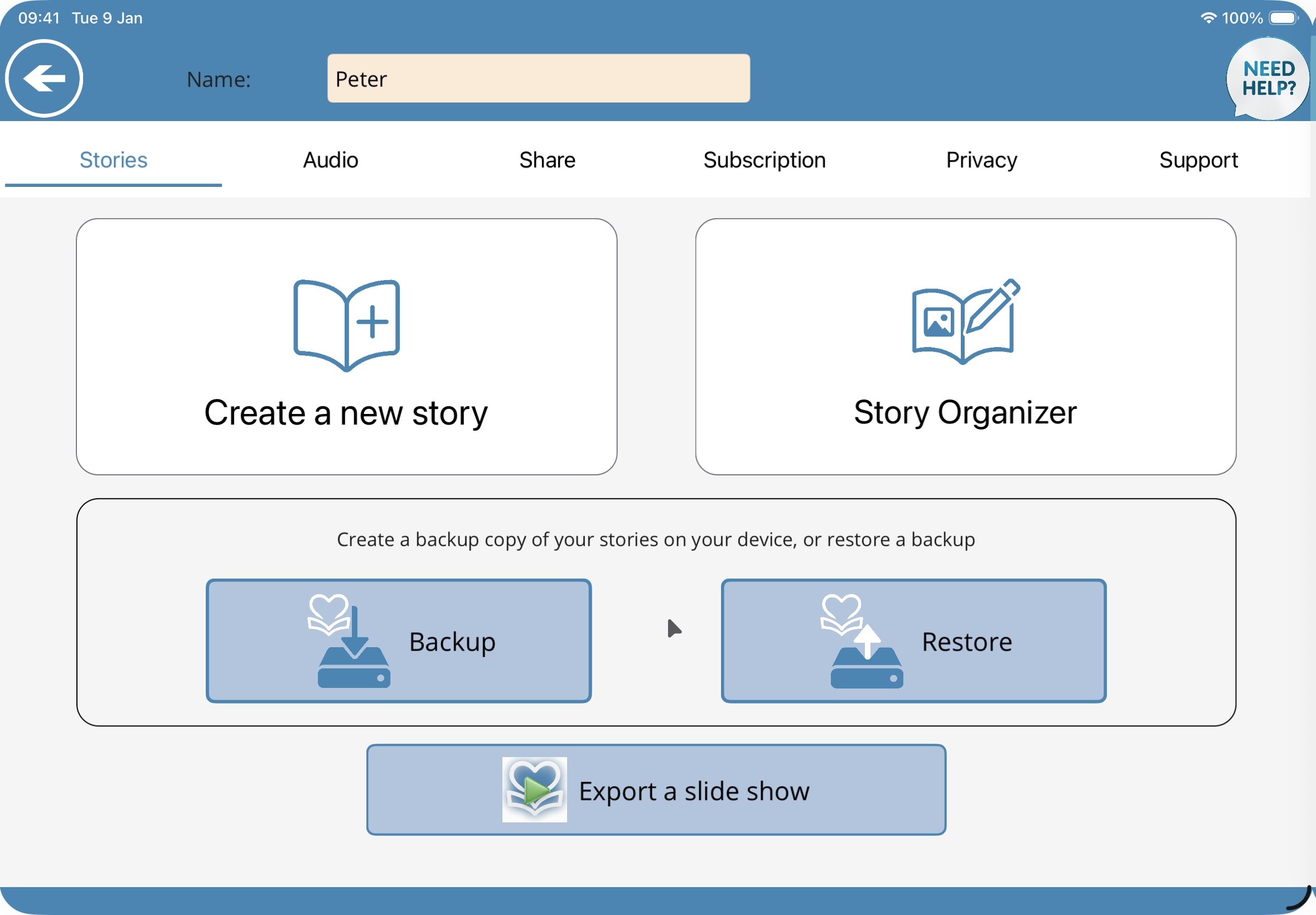
As your book grows, you can use the Story Organizer to move chapters and pages around or remove any starter prompts you don’t need. You can also save a Backup to your iPad or iCloud, and tap Export a slide show to create a standalone keepsake that relatives can open on any computer.
 Organiser, Backup & Restore
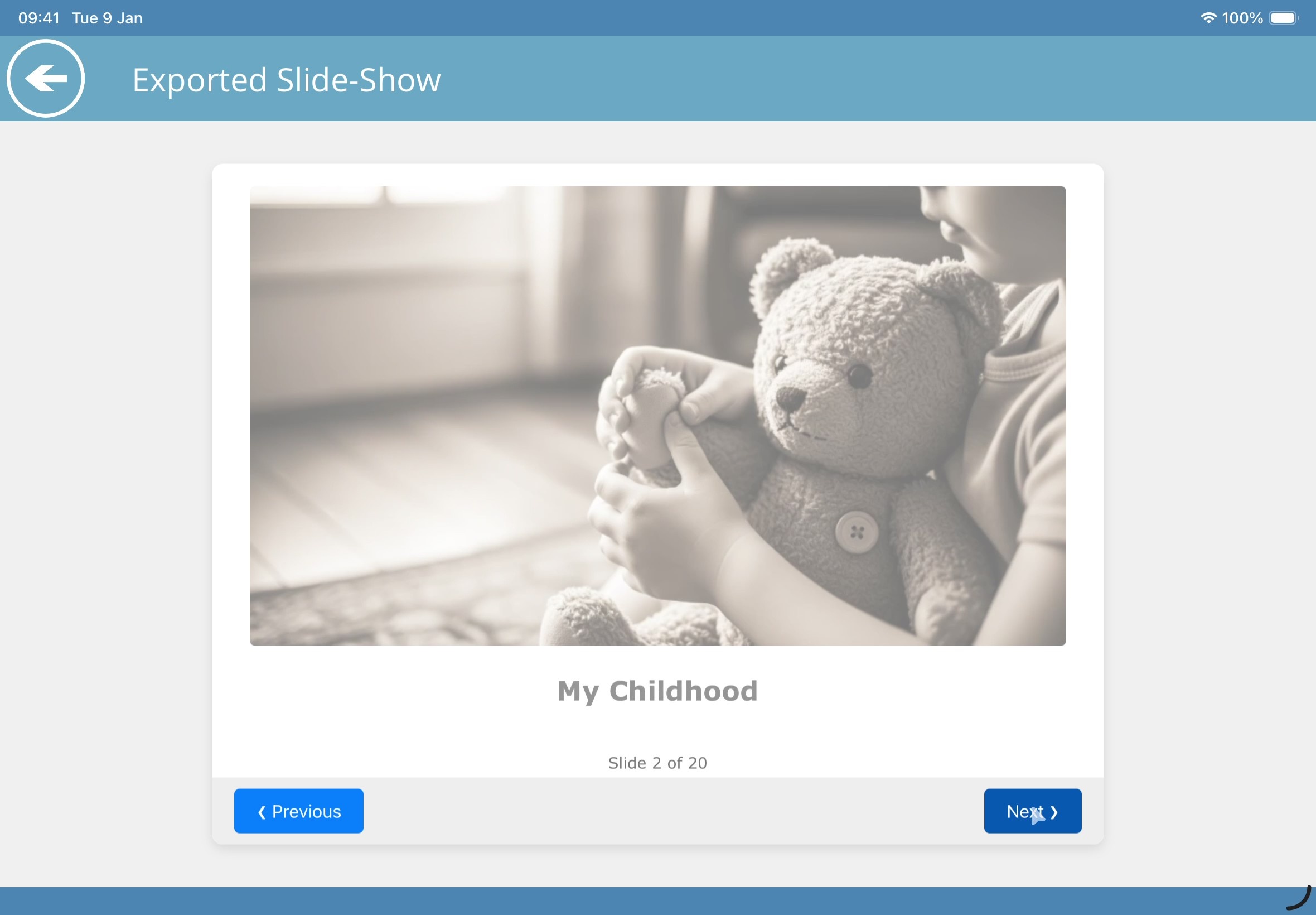 Exported Standalone Slide-Show
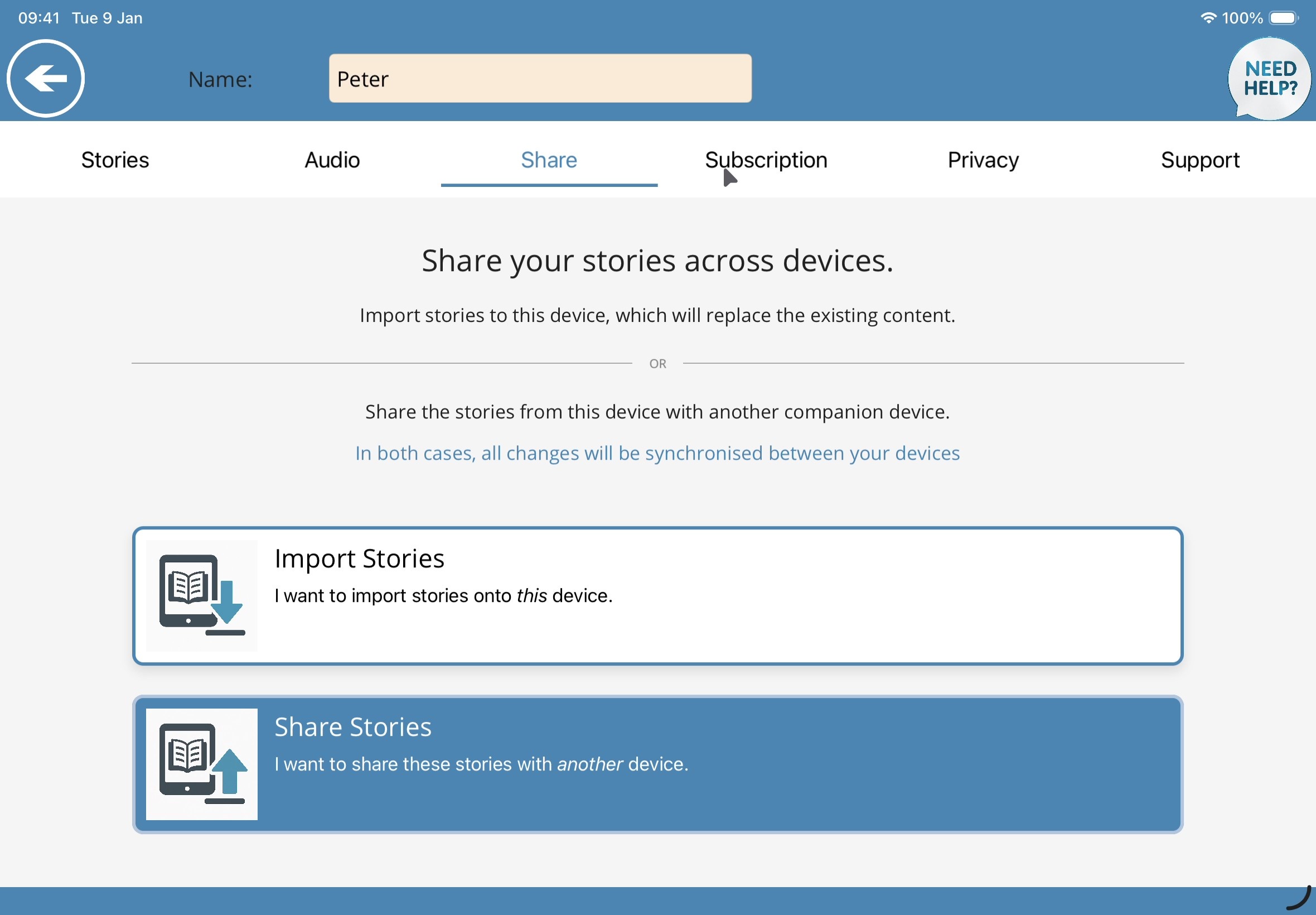 Share & Sync Across Family Devices
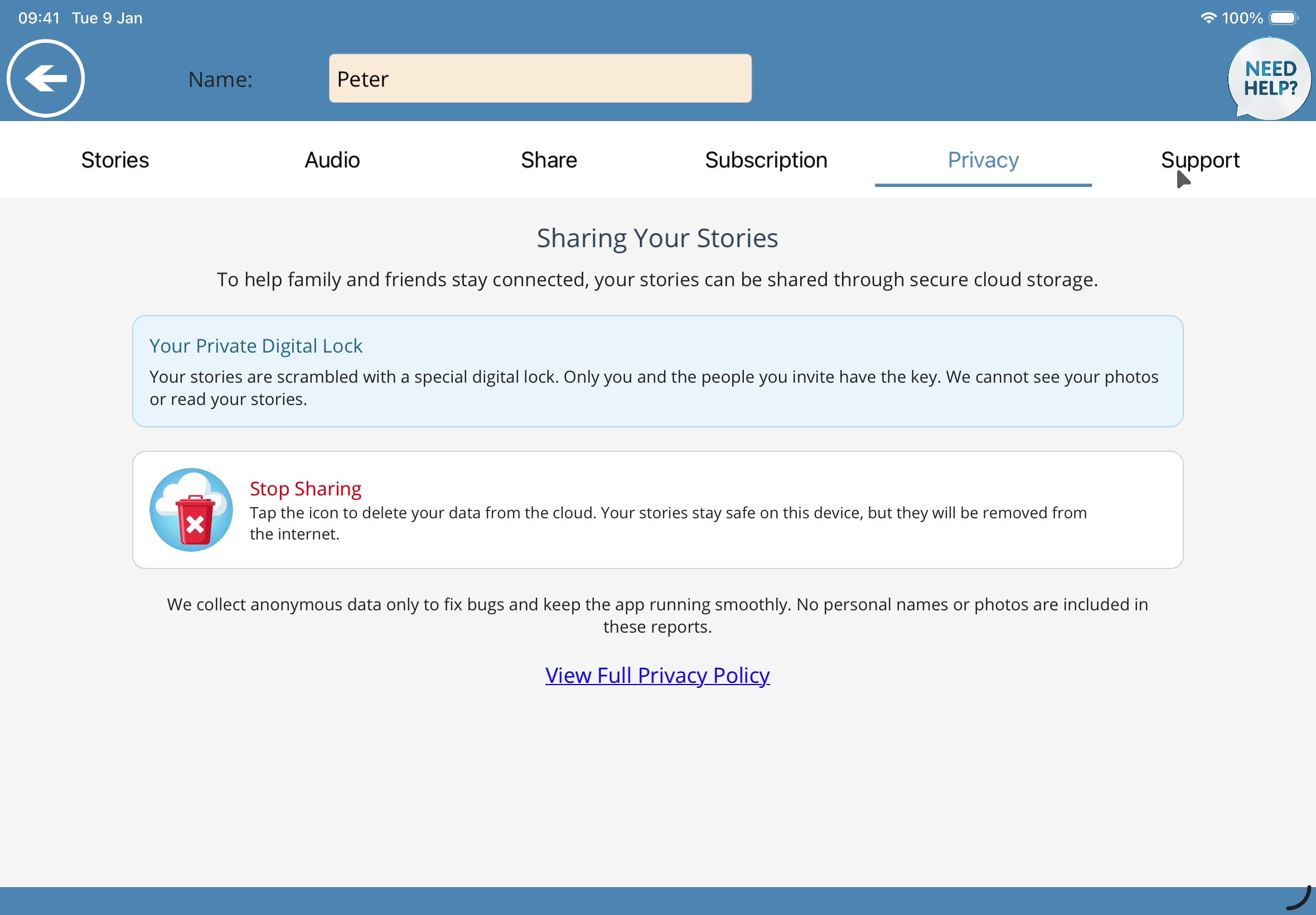 Your Private Digital Lock
Share Across the Family — Protected by Your Private Digital Lock
Often one person starts building the book at home while the iPad stays with Mum or Dad, or siblings in different towns want to add their own photos and voices. With Share Stories and Import Stories, you can keep your family’s iPads in sync.
Because family photos and memories are deeply personal, shared stories are scrambled with Your Private Digital Lock. Only you and the people you share your key with can open them — even we cannot see your photos or read your stories. And if you ever want to remove the cloud copy, one tap on Stop Sharing deletes it while keeping everything safe on your iPad.
Watch Ann’s & Henry’s Stories in Action
Here are the two example stories that come inside the app, showing how old photographs, short captions, and spoken voices come together on the iPad.
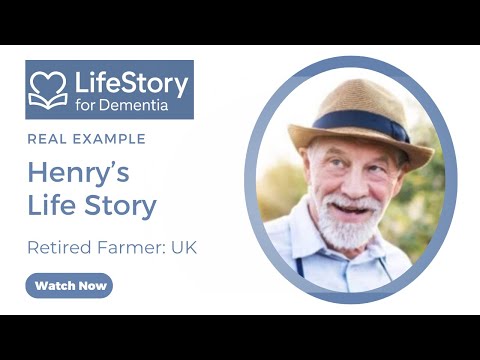
Henry’s LifeStory
An English farmer — see how his book brings together his life on the farm, the countryside he loved, and his family years.
Watch Video on YouTube →
Anne’s LifeStory
An American teacher — see how her childhood home, her years in the classroom, and family weddings and grandchildren are shared page by page.
Watch Video on YouTube →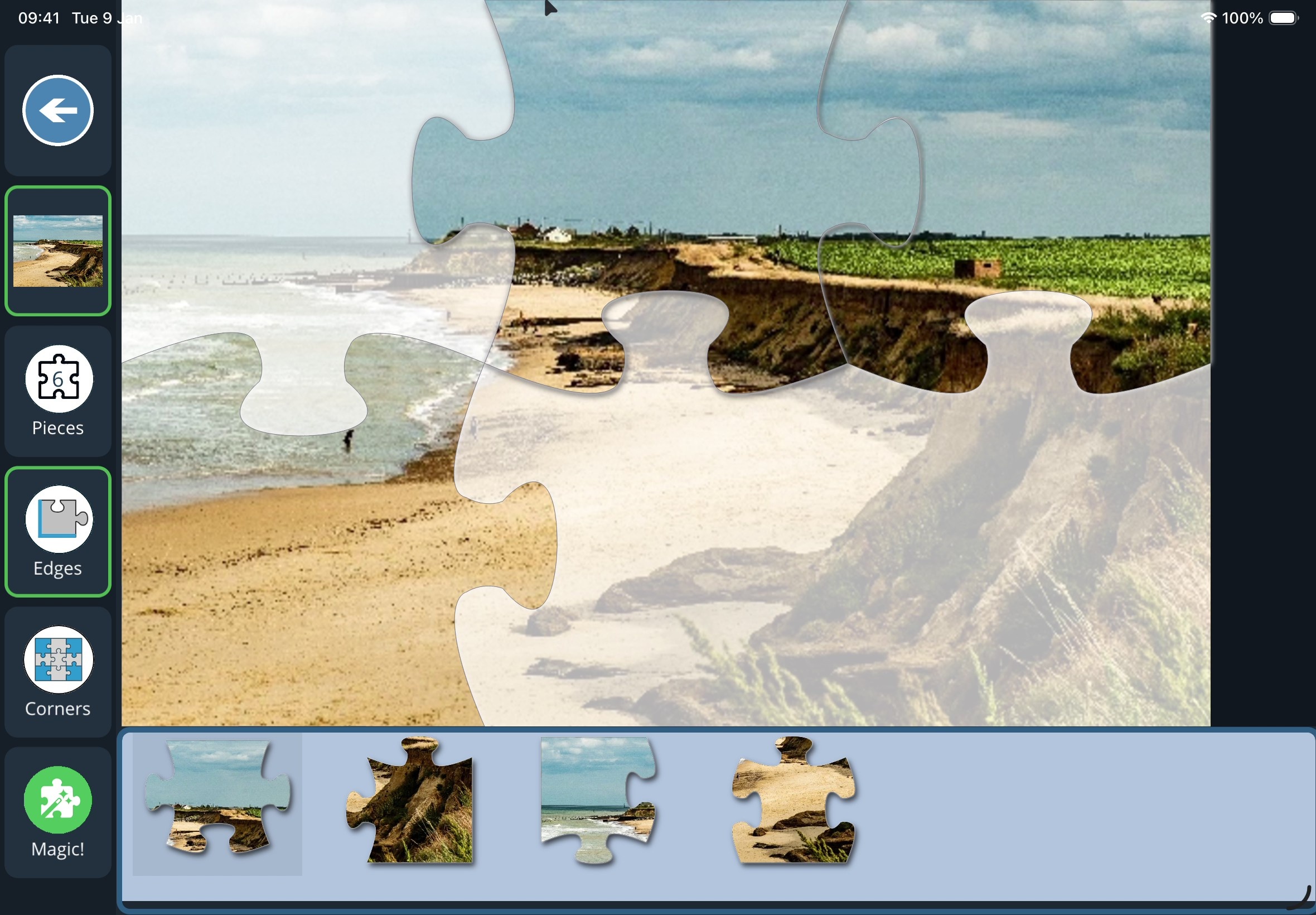
Turn Family Photos into Calm Jigsaws
Right on StillMe’s home screen, we also included three gentle jigsaw modes — Jigsaw, Jigsaw Touch, and Jigsaw Paint — adapted from the puzzles Jane plays with her mother so every piece is the right way up and every puzzle ends with a feeling of success.
Any family photo you add to a LifeStory book can be played as a familiar jigsaw puzzle straight away, alongside a library of calm countryside and nature pictures.
Learn More About CalmJigsaws →Interested in Becoming a Beta Tester?
We are inviting families, carers, and friends of someone living with dementia to try StillMe with their own loved ones. Hearing how the app works for your family during real visits helps us keep every detail calm, practical, and easy to use.
StillMe LifeStory for Families
From our family to yours — if you have a question about using StillMe with a relative or in a care home, we would love to hear from you.